WordBaby
WordBaby is an Android app for toddlers, combining interactive image-based learning with parental controls and customization. Features include AI-narrated quizzes, book mode, multi-language support, and on-demand premium word packs. Built with a lightweight MVC architecture, editor-time dependency injection, custom UI components, and optimized memory management, it offers a safe, engaging learning experience.

Introduction
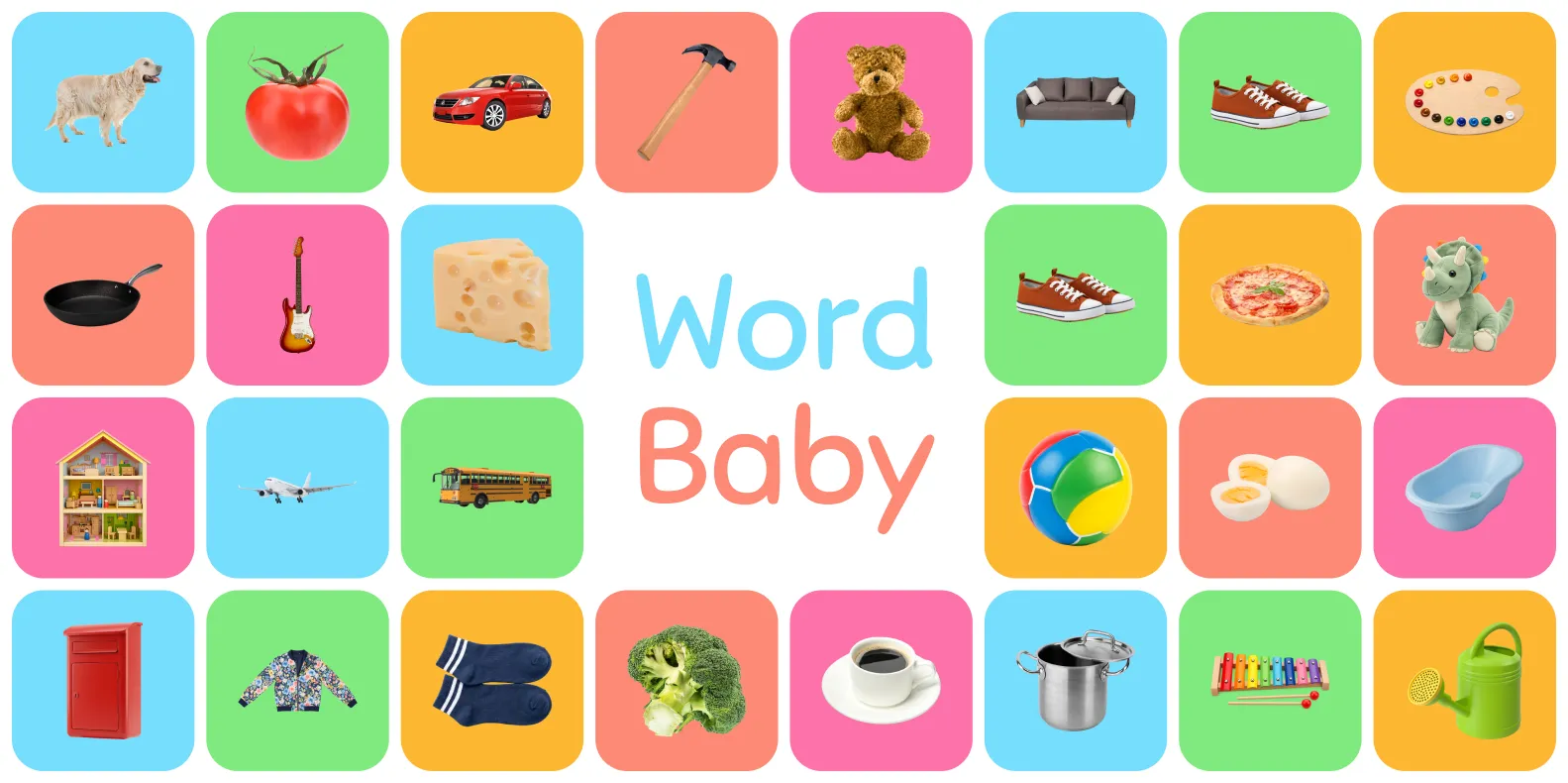
- Overview: WordBaby is an Android app built in Unity to introduce toddlers to words through interactive image-based learning. It offers a digital, engaging alternative to physical word image books, with word packs that can be explored like books or played as configurable quizzes. The app’s bright, kid-friendly UI and secure parental controls create a safe, enjoyable experience tailored for young learners.
- Motivation: During parental leave, I read many (some might say too many) “First 100 Words” books with my daughter. Exploring digital alternatives, I found most apps lacked modern UI/UX, parental controls, and customization, with some even containing ads. This inspired me to create a better, safer option that also served as a way to learn Unity’s UI Toolkit.
Key features
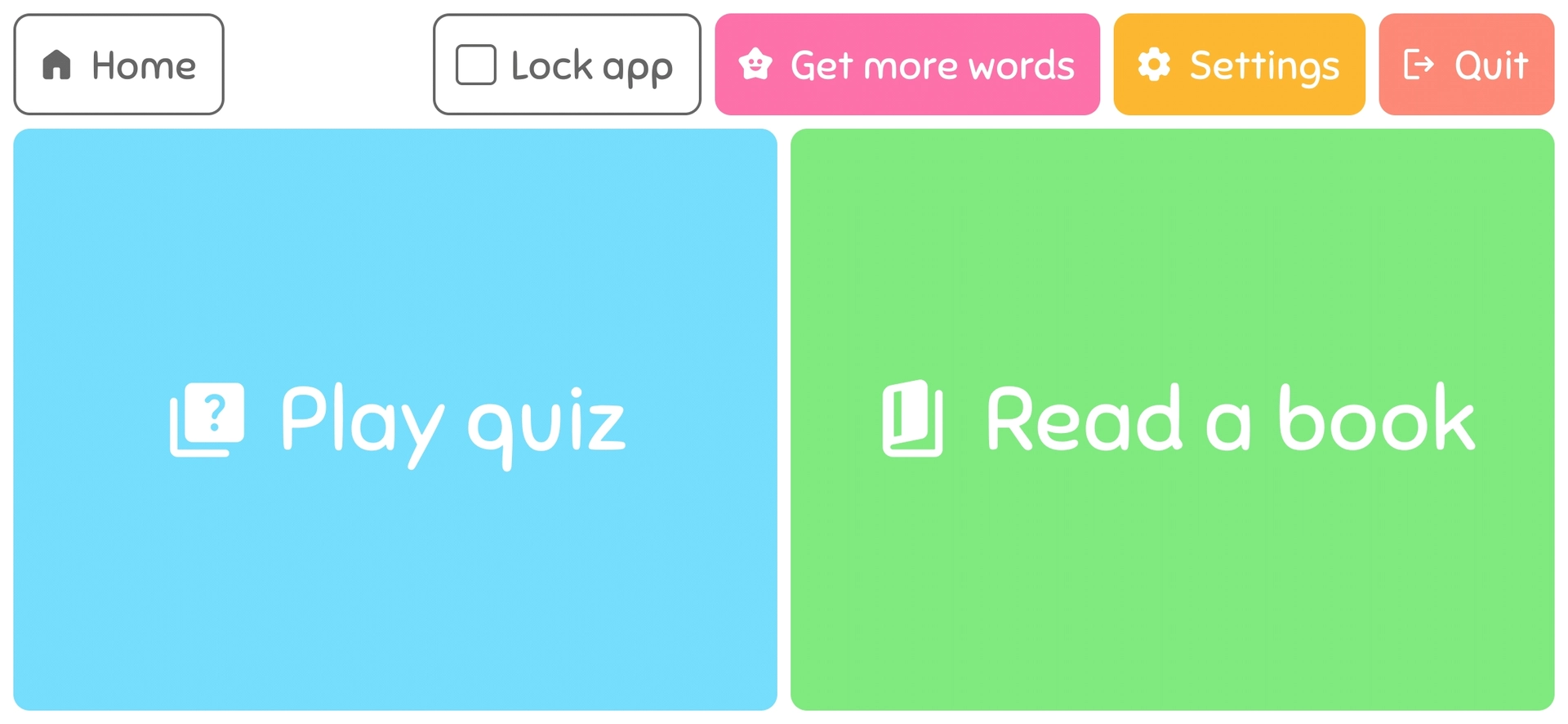
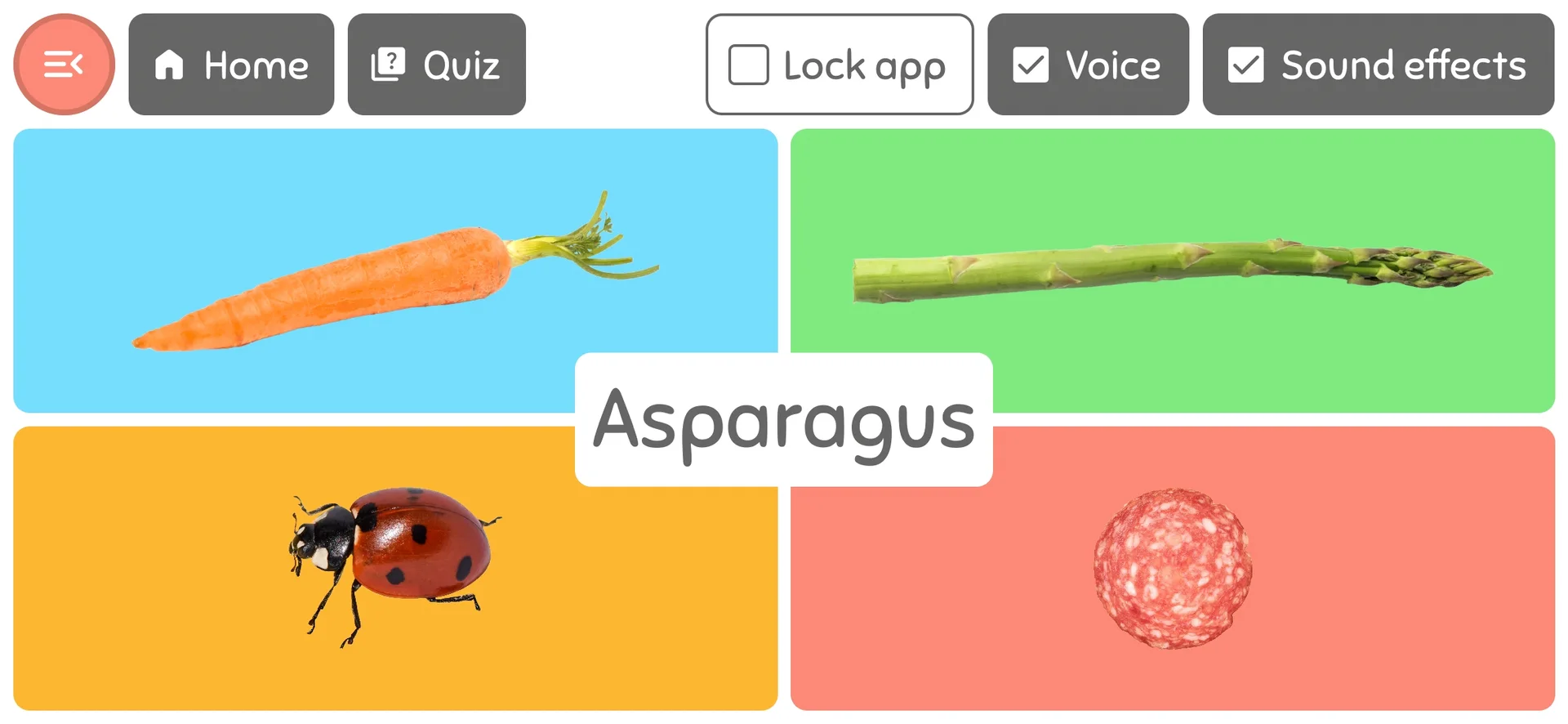
- Quiz mode: An AI narrator reads a word aloud, prompting kids to choose the matching image. Correct answers trigger fun audio-visual feedback, aimed at enhancing learning engagement.
- Configurable quiz: Quiz settings allow parents to adjust the number of answer choices and selectively include word packs, tailoring the difficulty and focus to the child’s needs.
- Book mode: Presents word packs in a scrollable, non-gamified format, where tapping an image triggers voice narration of the word, making it ideal for solo reading sessions.
- Kid-friendly UI: The design is bright and intuitive, with clearly separated parental and child features. Critical settings, like quiz configurations, are password-protected and hidden from unauthorized access.
- Parental controls: Safety measures include app pinning, password-protected exit, session locking, and long-press unlocks, ensuring young children can explore without accidental exits or access to settings.
- Extensive customization: Nearly every feature is adjustable. Narration, level of parental control, displayed text, and image-only options can be toggled, and quiz modes configured for a personalized learning experience.
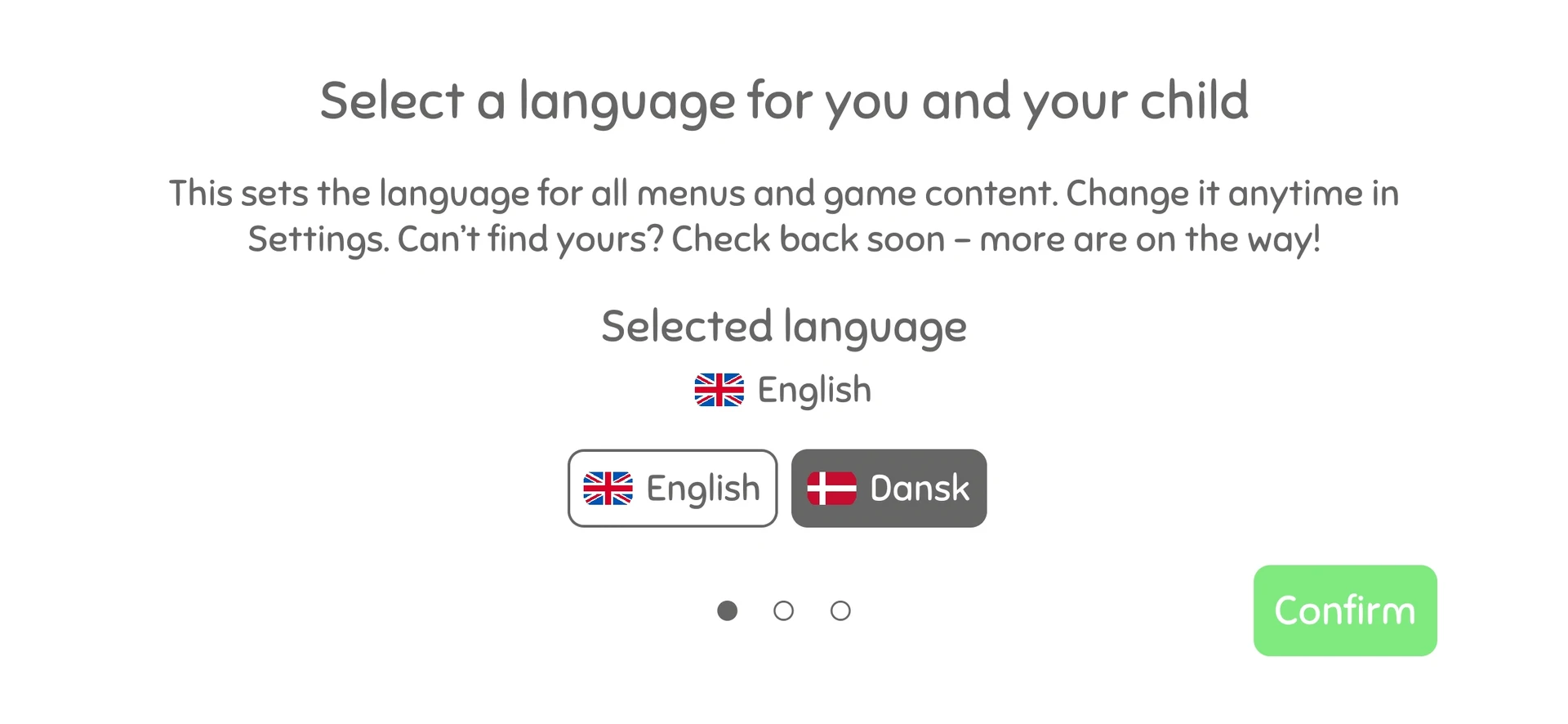
- Localization: Currently localized in Danish and English, with easily added support for more languages.
- Welcome flow: A guided welcome flow on the first launch prompts users to select a language and set an optional PIN.
- Premium word packs: A growing library of word packs keeps the app fresh. Core packs are free and ship with the app, while additional packs unlock with a single one-time purchase and download on demand, so the install stays small and content can keep expanding.
Key challenges & solutions
1. Custom UI components for layout
- Challenge: Unity UI Toolkit lacks layout features like CSS
grid,gap, and several essential UI components. Workarounds were error-prone and increased code complexity. - Solution: Implemented Grid and Stack components with configurable column/row counts, alignment and gap control. Built a set of custom controls: toggles, checkboxes, password and PIN entry fields, steppers, hold-to-activate buttons, navigation dots, and a Material Design icon element.
2. A lightweight architecture for UI Toolkit
- Challenge: Unity’s UI Toolkit provides no structured architecture, which can lead to disorganized code in a larger project. I wanted clear separation between presentation and logic without layering a heavy framework or a runtime container on top of Unity.
- Solution: Each screen is a View paired with a Controller in a kind of MVC-lite architecture, kept deliberately simple and easy to navigate. Dependencies are wired with Saneject, an editor-time dependency injection framework I built that resolves references in the Editor and writes them directly into serialized fields before the app runs, so there is no runtime container and no startup cost. Bindings are declared in scope components close to where they are used, keeping features modular and easy to follow.
3. Data binding without the boilerplate
- Challenge: Views need to stay in sync with localized text and audio without scattering manual update code or relying on fragile string lookups, which add complexity that is hard to justify for an app this size.
- Solution: WordBaby uses Unity UI Toolkit’s built-in data binding. Each card or view sets a data source, and bindings declared in UXML keep elements like labels in sync with the underlying data. A small set of custom converters bridges Unity’s
LocalizedStringvalues into the display types the UI expects, so localized text flows through the same binding path. This keeps the binding code minimal and leans on the engine instead of a separate framework.
4. Localization & content automation
- Challenge: Creating word packs (localized audio, text, images) was error-prone and time-intensive, requiring manual tasks like populating content, generating audio files, and linking resources to localization tables.
- Solution: Built a single editor pipeline that runs the whole process in one click. It scans every word pack and runs a sequence of ordered steps that build the localization tables, generate Azure TTS audio, set up the asset delivery groups, mark assets as addressable, build pack previews and names, and validate everything at the end. Each step reports its own status and detailed logs, so problems are easy to spot. Translations are still added manually for quality, but the system drastically reduces setup time and minimizes errors.
5. Managing app size with Addressables & Play Asset Delivery
Challenge: WordBaby’s audio and image-heavy content quickly exceeded Google Play’s size limit, even with compression. While Addressables enabled remote asset loading, relying solely on CDN-hosted bundles increased complexity, hosting costs and potential failures on unstable connections.
Solution: Combined Unity Addressables with Play Asset Delivery (PAD) to bundle word pack assets into asset packs delivered through Google Play. Free packs are included using the Install-Time delivery mode, so they are available immediately after install without bloating the base app. Premium packs are grouped into a single On-Demand pack that downloads when the user unlocks them. A custom in-app UI manages the download, showing the actual bundle size, network status, and progress, and handles edge cases like dropped connections and mobile-data warnings. This approach ensures a smooth first-launch experience, keeps the app under Play Store limits, and supports scalable content expansion.
6. Addressables memory management
- Challenge: Manual asset loading and unloading in Unity’s Addressables increases the risk of memory leaks, leading to crashes and performance issues on mobile devices.
- Solution: Each view owns a small sprite loader that loads only the images currently on screen and releases them when the view is hidden or rebuilt. There is no global image cache, so the app never holds the whole library in memory at once. This keeps memory usage low and performance stable on mobile, while still pulling in on-demand content as soon as it is available.
7. Premium content & in-app purchases
Challenge: WordBaby needed a way to offer additional word packs without subscriptions or ads, and to gate both the purchase and the on-demand download behind a single, reliable flow.
Solution: Integrated Unity’s In-App Purchasing with Google Play Billing around a single non-consumable lifetime pass. Owning the pass unlocks the premium packs and enables their on-demand download. The purchase UI shows localized pricing pulled directly from Google Play and handles purchase, restore, and failure states. In the Editor, mock purchase and download services stand in for the store, so the entire flow can be built and tested without a device.
Conclusion
WordBaby is live on Google Play as a finished, focused app for toddlers. What began as a reaction to the word image books I read on repeat during parental leave is now a real product, with two ways to learn, careful parental controls, multi-language support, and a premium library that can grow without bloating the install.
Under the surface, the app leans on a small MVC-like architecture. Views are paired with controllers, dependencies are wired at edit time, the engine’s own data binding keeps the UI in sync, and a one-click content pipeline turns raw word packs into localized, narrated, deliverable content. That foundation keeps WordBaby easy to maintain and straightforward to extend, whether that means new languages, more word packs, or new ways to learn.